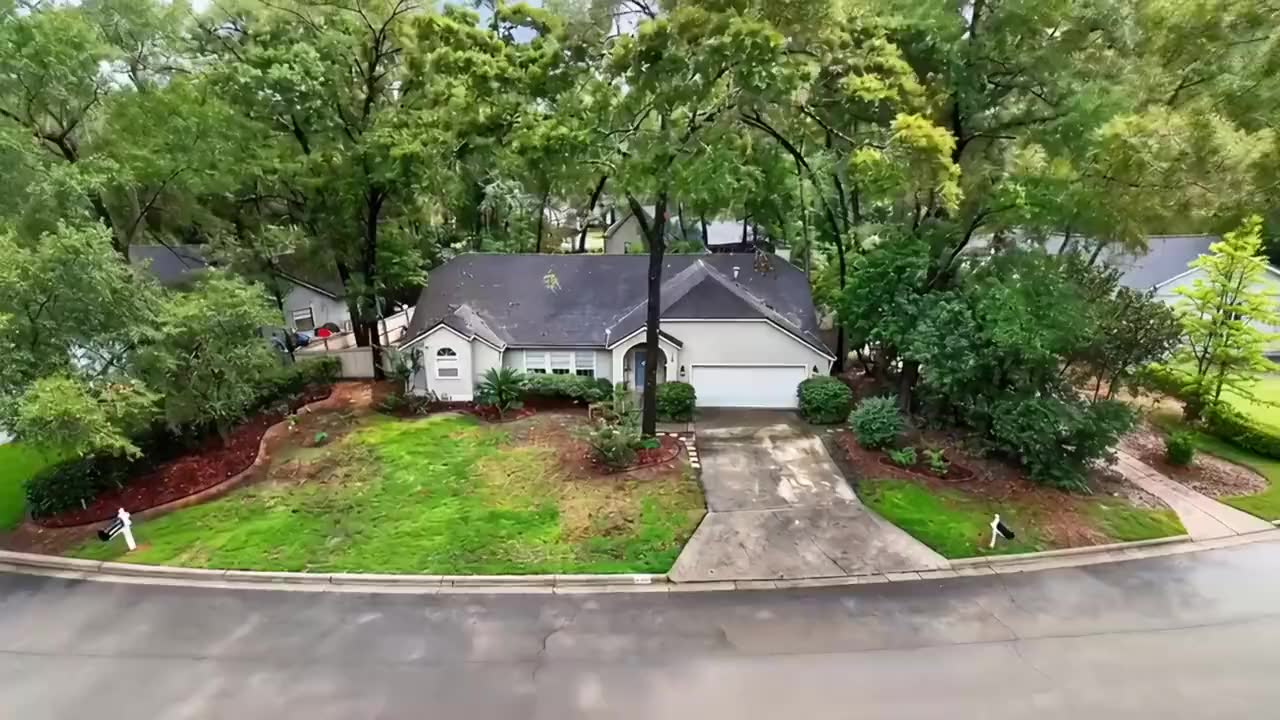
Directed like a film
SILVA follows a director’s style guide. Each room opens wide, then medium, then detail, with one slow, motivated camera move per shot. The light warms from the front door to the back patio, like a day turning to evening.



SILVA · Super Intelligent Learning Video Agent
SILVA renders the video by itself afterwards and emails you when it’s ready.
The most advanced real estate video production software available. Automatic decluttering and virtual staging, matched to the style of the home. Full screen to social media formats from the same listing photos.
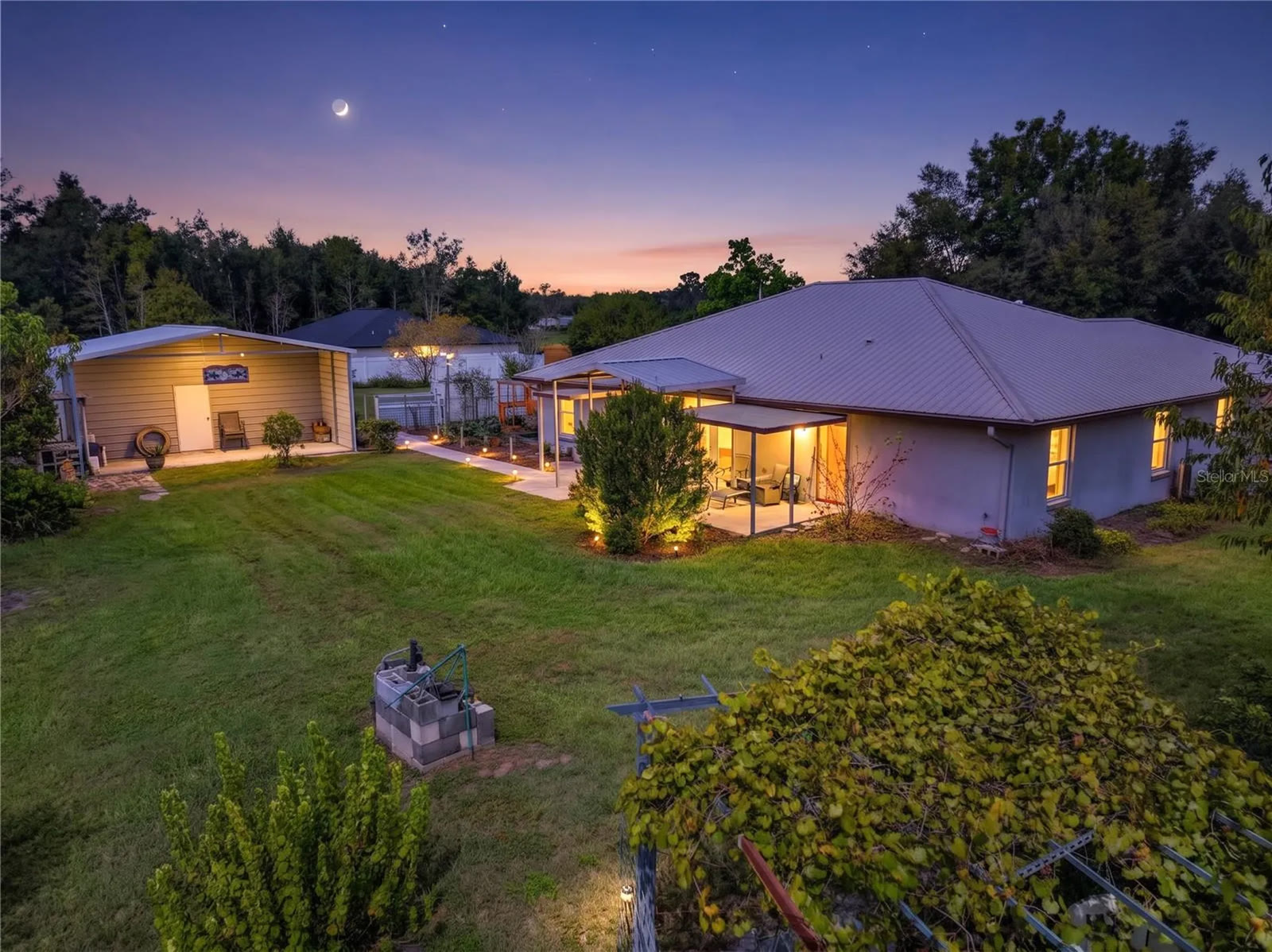 00:00:52
Scene 8 of 9 · Back Exterior / Yard
Slow push toward the patio
Social vertical · 9:16
< 5 min
of your time. Take a break and come back and download your video.
16:9 + 9:16
full screen to social media formats
10 styles
of virtual staging, chosen to match the home
Up to 4K
4K Ultra HD, 1080 Full HD, or 720p for fast sharing
What SILVA does
Director, editor, narrator, composer, stager and cleanup crew, working together on every listing.
SILVA follows a director’s style guide. Each room opens wide, then medium, then detail, with one slow, motivated camera move per shot. The light warms from the front door to the back patio, like a day turning to evening.
Trust SILVA to declutter your photos. As it tags them, it spots what distracts on screen, like dishes on the counter, laundry or a car in the driveway, and removes it before the scene is filmed. Appliances, cabinets, shelves and other fixed features stay exactly as photographed.
SILVA finds the empty and barely furnished rooms, reads the style of the home and chooses the furnishing style to match, from Modern and Farmhouse to Coastal and Mid-century Modern. Each room is furnished as what it is: a bed in the bedroom, a table in the dining room. Staged scenes carry a “Virtually staged” label, as many MLSs require.
16:9 landscape for YouTube, the MLS, websites and TV. 9:16 vertical for Instagram Reels, TikTok and YouTube Shorts. In 720p, 1080 Full HD or 4K Ultra HD.
SILVA writes the narration from your listing description, timed to each scene, and a natural AI voice reads it, or your own cloned voice, over music composed for that video.
Add an optional end card with your photo, name, phone number and brokerage, and an optional opening title with the address, agent and broker, so every view leads back to you. Leave them off for an unbranded video, as many MLSs require for virtual tours.
How it works
SILVA searches Zillow, Realtor.com, Redfin, Homes.com and the broker’s site, then fills in the listing details, photos, agent and broker.
Walkthrough, Highlights, Luxury or Social vertical. 16:9 or 9:16. 30, 60, 90 seconds or unlimited.
SILVA tags every photo by room, declutters the cluttered ones and stages the empty rooms in a furnishing style chosen to match the home. Confirm in one click, or change anything you like.
SILVA sequences the shots, writes and voices the narration, scores the music, renders every scene and adds your end card if you chose one. Download and share.
Super Intelligent Learning Video Agent
SILVA is a learning agent. It carries what it learns forward, so each video starts from more than the last.
It learns from every correction.
When agents fix a room tag, SILVA remembers what it saw and gets it right on the next listing, for every agent.
It learns your voice.
Rewrite a line of narration and SILVA writes your next videos closer to how you would say it. Your edits guide only your videos.
It learns how you like it shot.
Edits to camera directions shape how SILVA directs future scenes, and it remembers the furnishing styles you prefer.
It measures itself.
SILVA tracks how often its work needs correcting, month by month, so you can watch it improve.
Pricing
Each plan includes points every month. A video uses points for the services it runs, and SILVA estimates them before you start. Unused points roll over. Or pay as you go, with no monthly fee. Annual billing saves up to 5%. Cancel any time.
No monthly fee
$1/point
Start with 50 points, then top off any time
Approximately 3–4 videos a month
$99/month
100 points a month · save 5% billed annually
Approximately 9–10 videos a month
$247.50/month
250 points a month · save 5% billed annually
Approximately 15–16 videos a month
$495/month
500 points a month · save 5% billed annually
Approximately 32–33 videos a month
$990/month
1,000 points a month · save 5% billed annually
Questions
SILVA, the Super Intelligent Learning Video Agent from VIDAIMAX, is AI software that turns a real estate listing into a cinematic, narrated listing video. It plans the scenes, writes and voices the narration, composes the music, declutters the photos and virtually stages empty rooms automatically in a style that matches the home, renders every scene and, if the agent wants, adds an optional branded end card.
Under 5 minutes of the agent’s time: enter the address, choose a style and format, check the room tags, confirm SILVA’s decluttering and staging in one click, and select Produce video. SILVA then renders the video by itself and emails the agent when it’s finished. Rendering time is extra and depends on the video’s length and resolution.
The listing’s address and photos. SILVA can look the listing up and fill in the details and photos for you, or you can upload the photos yourself. Add your headshot and broker logo only if you want the optional end card. SILVA tags every photo by room; you can change any tag in a click.
Landscape 16:9 for the MLS, websites, YouTube and TV, and vertical 9:16 for Instagram Reels, TikTok and YouTube Shorts, from the same photos. Videos are made in 720p, 1080 Full HD or 4K Ultra HD and downloaded as MP4 files.
Yes, automatically. While it tags the photos, SILVA spots clutter (dishes on the counter, laundry, a car in the driveway) and rooms that are empty or barely furnished. It declutters those photos, keeping fixed features such as appliances, cabinets, shelves and sinks exactly as photographed, and stages the empty rooms in the furnishing style that best matches the home, out of 10, furnishing each room as what it is. The agent confirms in one click, and can change what is removed, the style, or any photo. Every staged scene carries a “Virtually staged” label, as many MLSs require.
SILVA writes the narration from the listing description, timed to each scene, and a natural AI voice reads it. Agents can also clone their own voice for narration. An original music score is composed for each video.
Walkthrough, Highlights reel, Luxury, Social vertical. Each style changes how many photos are used, how long each is held, the narration’s tone and the camera moves.
SILVA uses points: each video uses points for the services it runs, and SILVA estimates them before you start. Plans: Casual $99 a month (100 points), Active $247.50 a month (250 points), Aggressive $495 a month (500 points), Production $990 a month (1,000 points). Or pay as you go with no monthly fee at $1 a point, starting with 50 points. Unused plan points roll over, annual billing saves up to 5%, and you can cancel any time.
SILVA learns from every correction. When an agent fixes a room tag, rewrites a line of narration or changes a camera direction, SILVA carries that lesson to the next listing. It also measures how often its work needs correcting, month by month.
Yes, if you want it: branding is optional. Choose an optional opening title with the address, the agent and the broker with their phone numbers, an optional end card with the agent’s photo, name and phone number and the brokerage, or both. Leave them off for an unbranded video; many MLSs require unbranded virtual tours.
Enter an address, spend under 5 minutes of your time, and SILVA hands you a cinematic video, ready for the MLS, your website and every social feed.
Rendering happens afterwards, by itself; SILVA emails you when it’s ready.
Made with SILVA
Real listing videos SILVA made from MLS photos: the camera moves, narration, music and branded end card, all in one pass.
Loading…
REC 00:00:60:00
Create an account to start a project. Add the property address, choose a style, and the agent cuts the edit.
Sign in or create an account to start your project. We'll take you straight to it.
Membership
Stop pre-production? Everything done so far is kept and the video goes back to draft, with every step open to changes. Nothing more is charged; select Start pre-production to carry on.
Production · Step 9
Production · Step 1
Pass 1: identify each photo · Pass 2: tell bedrooms and bathrooms apart
SILVA identifies the room in every photo; change any tag that’s wrong. Then alter each photo as you like: Declutter (say what to remove), Stage (furnish it in a style) and Brightness.
Checked every photo's tag? SILVA makes the scenes next.
Checked the staged photos? SILVA carries on with pre-production.
Production · Steps 2 to 8
Photos with the same tag make one scene, in the standard order: exteriors and grounds, entry, living areas, kitchen, dining, bedrooms, bathrooms, then the rest. Scenes are shown one at a time: use Previous and Next (or the arrow keys), and ↑ ↓ on a scene to move it. For each scene: Visual prompt (how SILVA directs each shot), Narration (the words), Audio (the recording), Photo order (change the order or cull a photo; culled photos are beside it) and Render (the full render, at the resolution you chose). Select ▸ to open or close a part.
Admin
For setting up the video services. Agents don't need this.
Admin
Production uses three services. Add an API key for each, then test it. Keys are stored on this computer and are never shown in full again after saving.
After the password, Admin settings also asks for a 6-digit code from an authenticator app on your phone, or one emailed to the admin address. Someone who learns the password still can't get in.
Each agent's plan and points. A project's points are the cost of the services it used times 1.6. Billing isn't connected, so use Add points to credit a payment or make a correction.
When a Zelle payment reaches your bank, find its reference here and select Received: the plan or points are added to the agent's account. Not received removes the request.
Profit is the price minus the service cost if a member uses every point of the month (points ÷ markup). Every plan is priced to make at least 50% over that cost, even with the annual discount; a price set lower in config.json is raised to the nearest $5 that does (membership.minProfitOverCost).
Videos posted here appear on the public Examples page (the Examples link on the landing page). Post a finished video an agent made, or upload a video file. Only published ones are shown, in the order here (change it with ↑ and ↓).
SILVA learns from how agents correct its work. Tag corrections teach it for every agent; narration rewrites teach it each agent's own style; camera-direction edits teach it how agents like shots described. Lessons are added to Claude's instructions on later projects. Remove any lesson that's wrong.
Download everything SILVA has learned here (lessons, ratings and the tags agents added) as one file. On another SILVA (for example the server), choose Bring in a learning file: it's added to what that SILVA already knows, and nothing is counted twice.
When an agent starts a new project, SILVA asks how their last video turned out: 1 to 5 stars and a comment, both optional. Each agent's own recent comments guide the narration and camera directions of their next videos. Remove a comment that shouldn't be used.
What each project has cost in Claude, ElevenLabs and fal.ai charges, worked out from the prices below as each service is used. Check the totals against each service's own billing page.
Which fal.ai model renders the scenes for each output resolution (scenes with one photo use Boreal unless that is turned off below). The recommended choice gives the best picture for that size; Boreal costs far less but follows the photos a little less closely. Prices are fal.ai’s, per minute of finished video, before the points markup. A change applies to scenes rendered from now on.
·